AI Videos of You — With Lip-Sync and Motion Control
Generate 1-10 second clips of your AI Twin speaking, walking, and acting with 9 model options.
Video Models
| Model | Quality | Lip-sync | Cost (5s) | Best for |
|---|---|---|---|---|
| Kling 2.6 Pro | Excellent | Yes | 18 credits | Talking heads, character acting |
| Sora 2 Pro | Highest | No | 36 credits | Cinematic, hero content |
| Sora 2 | Very High | No | 28 credits | Premium social content |
| Veo 3.1 | Very High | No | 42 credits | Complex scenes |
| Veo 3.1 Fast | High | No | 26 credits | Quick high-quality iterations |
| Grok Imagine Video | Good | No | 14 credits | Daily content, cost-effective |
| Kling 2.5 Turbo | Good | No | 12 credits | Fast, budget-friendly |
| Veo 3 Fast | Good | No | 22 credits | Balanced speed/quality |
| Seedance v1 Lite | Good | No | 10 credits | Cheapest option, experiments |
Creative Controls
Duration
1, 5, or 10 second clips. Credits scale with duration — a 1-second clip costs ~25% of a 5-second clip.
Camera Movement
None, Pan, Zoom, Orbit — direct the virtual camera for professional framing.
Motion Intensity
Low for subtle movement, Medium for natural motion, High for dynamic action.
Style Presets
Cinematic, Commercial, Anime, Documentary, Surreal — instant mood setting.
Shot Types
Wide, Medium, Close-up, Macro — control framing without complex prompts.
Lighting Styles
Natural, Studio, Neon, Golden Hour, Noir — set the light before generating.
Color Moods
Neutral, Warm, Cool, Teal-Orange, Monochrome — professional color grading built in.
FPS Control
24 fps for film look, 30 fps for social media, 60 fps for smooth motion.
Stylization
1-100 scale. Low values produce photorealistic output. High values push artistic interpretation.
Native Lip-Sync with Kling 2.6 Pro
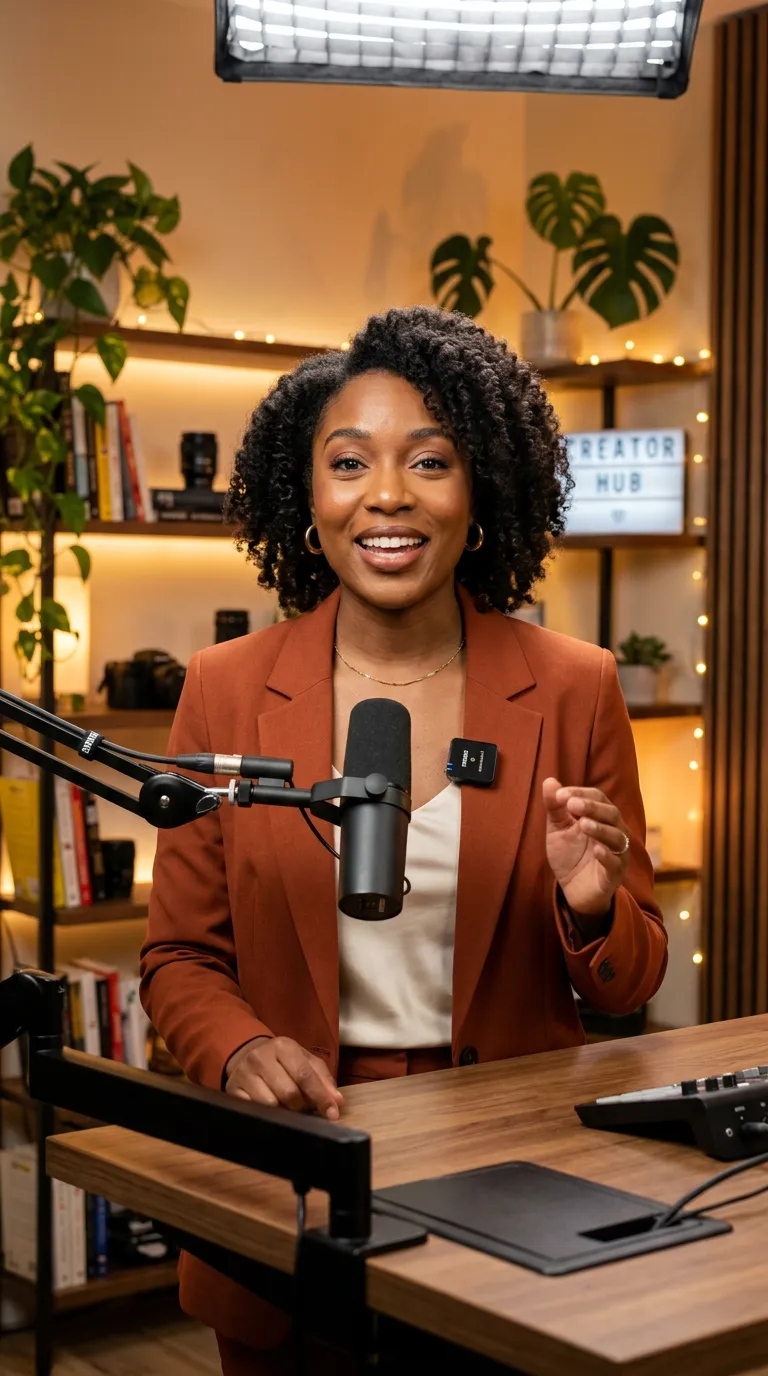
Write dialogue and generate natural talking-head videos with synchronized mouth movements.
Learn more about Kling AI and how its lip-sync model powers this workflow.
Course Content
Produce educational talking-head clips without recording sessions.
Ad Scripts
Test script variants quickly before investing in full video production.
Social Replies
Create personalized short response videos at scale.
Use Cases
Social Media Reels
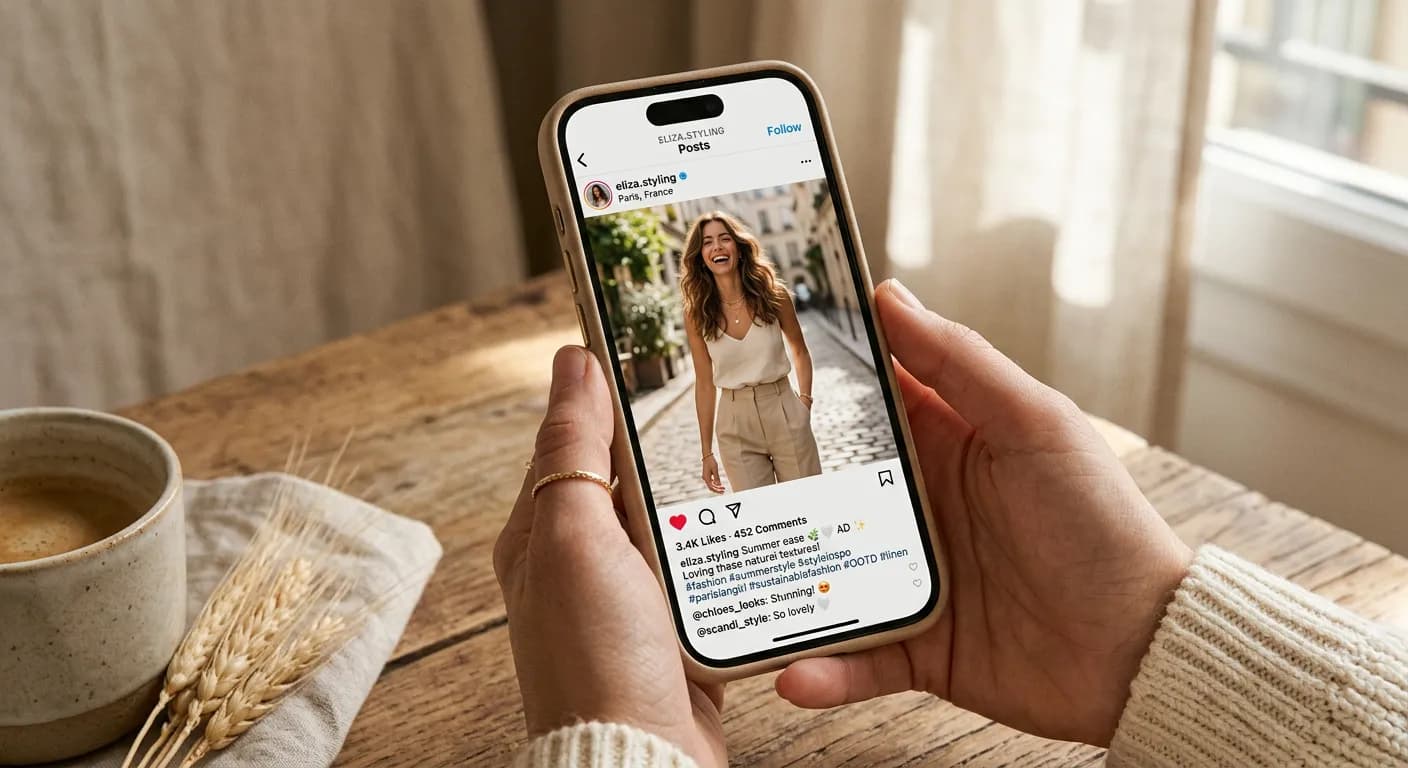
Generate short-form video content at scale. Different locations, outfits, and actions — all face-consistent. Post daily without filming.
Talking-Head Content
Create course videos, product explainers, and personal messages. Lip-sync with Kling 2.6 Pro makes them look real.
Ad Creatives
A/B test video ads with different settings, styles, and messaging. Generate 10 variations in the time it takes to film one.
Production Playbook
Build a Repeatable Weekly Pipeline
High-performing creators usually batch prompts by topic, then generate multiple short variants for each idea. Start with a 1-second concept test to validate style and character consistency, then scale winning concepts to 5 or 10 seconds. This workflow reduces wasted credits, keeps your brand voice consistent, and gives your team a predictable publishing rhythm across TikTok, Reels, Shorts, and paid social placements.
Optimize for Performance Marketing
When producing ad creatives, generate hooks first: opening frames, on-screen text concepts, and camera movement variations. Keep the same offer but rotate backgrounds, pacing, and emotional tone to produce meaningful A/B tests. Teams often create 8-12 variants per campaign objective, then keep top performers and iterate. AI video allows faster feedback loops than traditional filming, which means more creative tests and lower cost per acquisition over time.
Maintain Quality at Scale
Consistency comes from structured prompting and reusable presets. Save your preferred lighting, color mood, camera movement, and stylization values as a baseline profile, then only change one variable per generation round. This makes results easier to compare and improves output reliability for teams. For client work, export a shot list with exact settings so revisions stay controlled and your final delivery remains visually cohesive across every scene.
FAQ
Which model supports lip-sync?
Kling 2.6 Pro includes native lip-sync for talking-head and dialogue videos.
How long can generated videos be?
You can generate clips from 1 to 10 seconds depending on your workflow.
Can I control camera and style?
Yes. You can set pan, zoom, orbit, shot type, lighting, color mood, and stylization.
Can I use videos for ads?
Yes, paid plans support commercial use for campaigns and social content.
What is motion control?
Motion control lets you transfer movement from a reference video onto your AI Twin. See our Control Motion feature for details.
Create video content without cameras
Generate speaking and cinematic AI Twin videos in minutes.
Start Free